
Learn with IMDbPro
Career tips from the experts
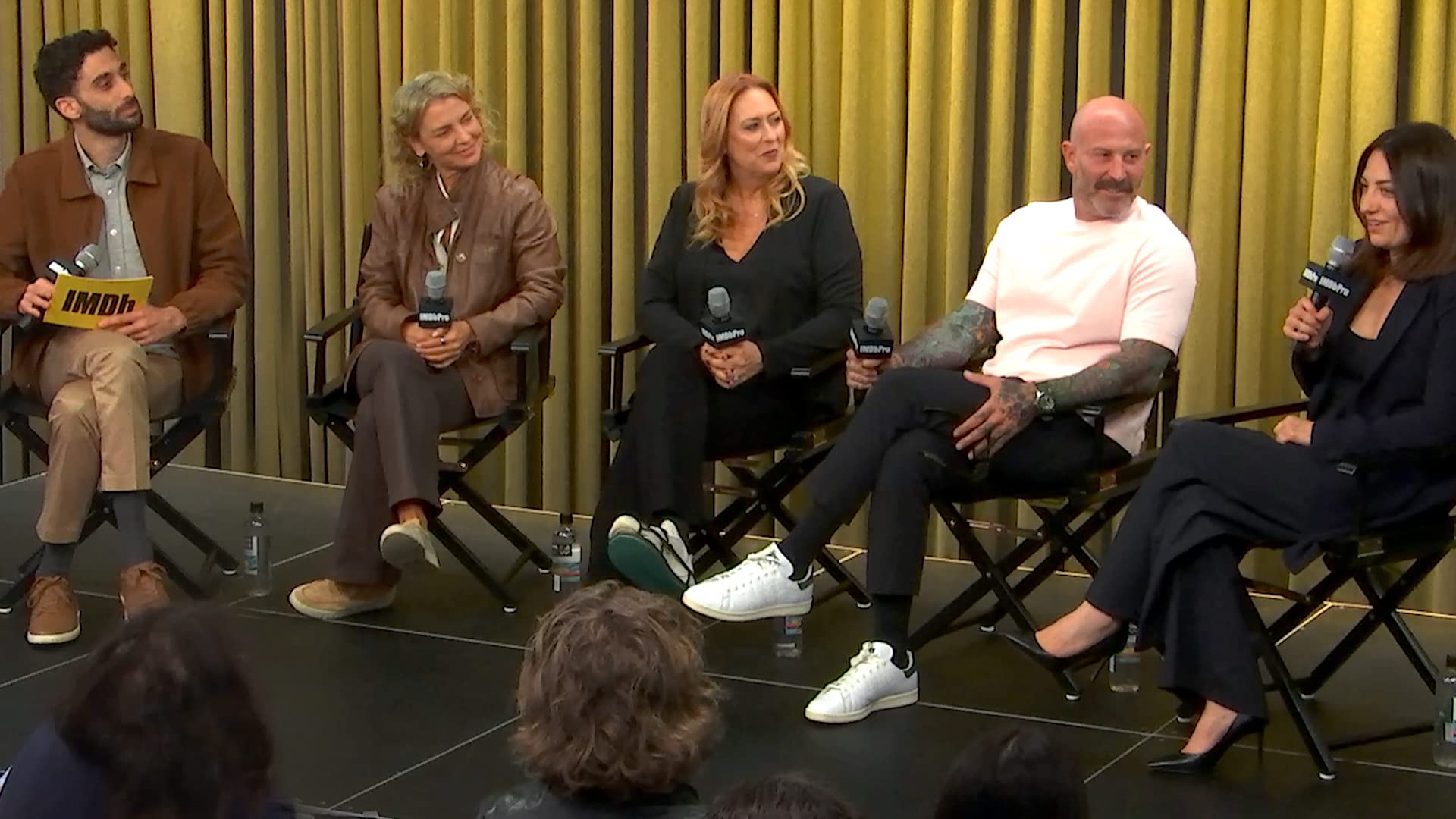
Casting Panel with Jenny Jue, April Webster, Bonnie Zane, and Steven O'Neill
Casting professionals Jenny Jue, Bonnie Zane, April Webster, and Steven O'Neill share invaluable insights on the casting process in this IMDbPro panel hosted with Casting Society (CSA). The influential casting directors and executive discuss how actors can effectively curate their materials, build meaningful industry relationships, and prepare for auditions in both self-tape and in-person formats. The panel offers candid advice on navigating callbacks, chemistry reads, and maintaining connections even after not booking a role.
September 17, 2025
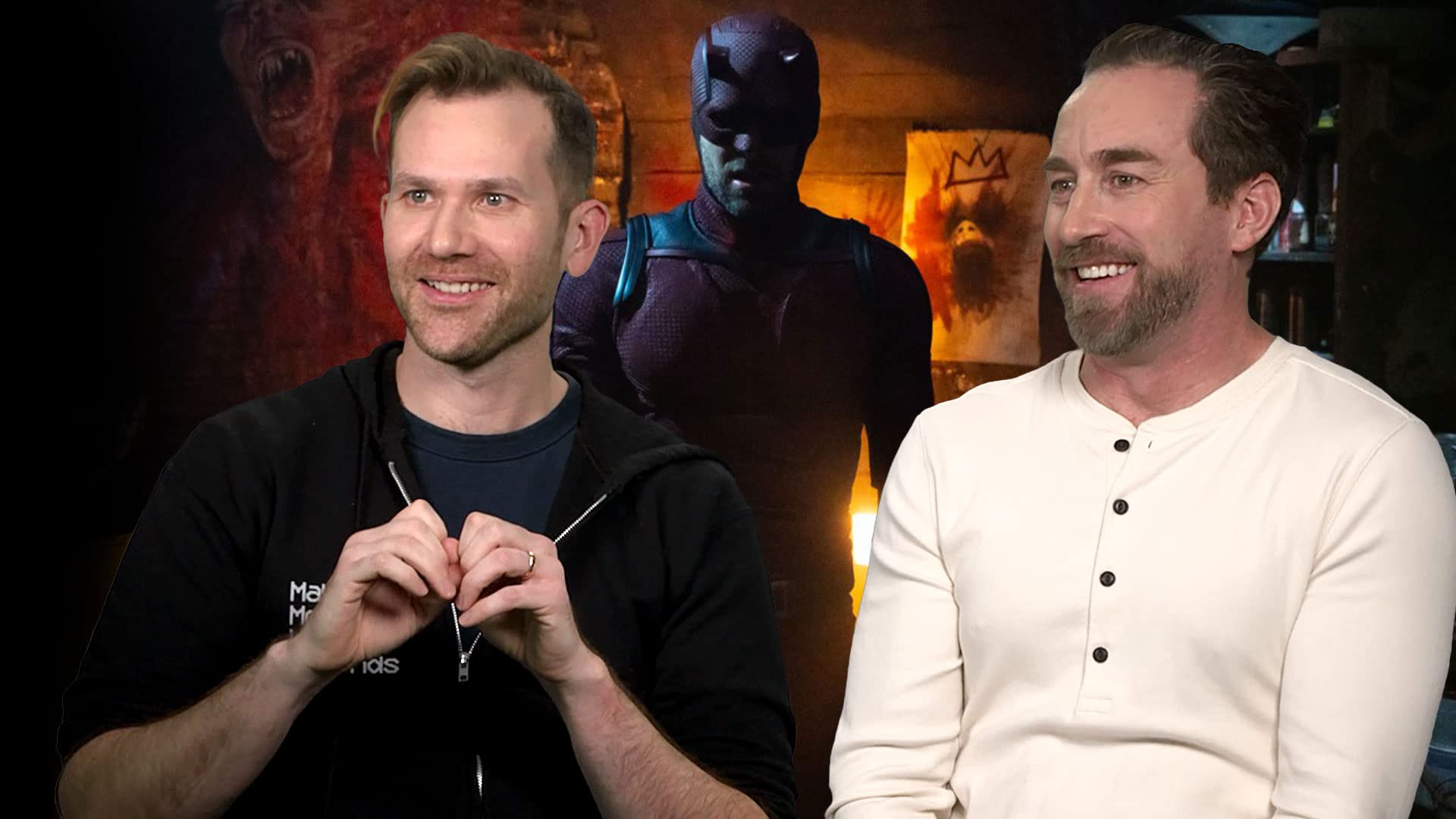
5 Things Directors Aaron Moorhead and Justin Benson Need on Set
Directing duo Aaron Moorhead and Justin Benson reveal the gear, snacks, and films they need to succeed on the set of "Daredevil: Born Again" and beyond. Find out why the directors of "Loki," 'Something in the Dirt,' and 'The Endless' cue up 'Anchorman 2' on their drive to set and have a strict no-music policy once they get there.
March 21, 2025
5 Things Cooper Raiff Needs on Set
Cooper Raiff, director, writer, and star of "Hal & Harper" and 'Cha Cha Real Smooth,' shares his five on-set necessities. Find out how a certain lens helped him capture the magic of Lili Reinhart and Mark Ruffalo on screen, which team member he leaned on to keep him grounded, the snacks he couldn't stop snacking on, and the secret weapon that guided his shot choices.
February 12, 2025
Casting Visionaries Panel on Talent Discovery
IMDbPro and the Casting Society present the "Casting Visionaries" panel with casting directors Carla Hool, CSA, Jill Anthony Thomas, CSA, Seth Yanklewitz, CSA, and Gohar Gazazyan, CSA, to educate and empower actors and casting professionals through stories of the evolving landscape of talent discovery. The panelists dive into self-tape tips, advice on how to get a casting director's attention, the challenges of industry consolidation, authenticity in casting, memorable talent discoveries, and more.
December 13, 2024
Mukesh Chhabra’s Essential Tips for Aspiring Actors
Catch Indian Casting Director Mukesh Chhabra as he reveals essential tips for actors aspiring to make it in the film industry. From preparing for auditions and creating a standout portfolio to debunking Bollywood myths and more, get insider advice straight from the expert!
November 07, 2024
Industry Advice from the Stars | San Diego Comic-Con 2024
Stars Alexandra Daddario (White Lotus, Mayfair Witches), Kit Connor (Heartstopper, Rocketman), and Walker Scobell (Percy Jackson and the Olympians, The Adam Project) joined IMDbPro at San Diego Comic-Con to share how they approach roles, what they've learned on set, and more.
October 16, 2024
See all articles >
IMDbPro tutorials
How to Add or Update Your Photos on IMDbPro
In this quick guide, we'll detail how you can add and update your images on IMDbPro to best represent yourself across IMDb, IMDbPro, and Prime Video. With an IMDbPro Premium subscription, you can add or update your IMDb page primary image and set your featured images visible to industry professionals and fans. To get started, log in to IMDbPro on desktop or the IMDbPro app and navigate to your page. To edit your primary image, click on the Images tab. Then click Add New Primary Image to upload a new photo or click Edit Primary Image to update your current selection. You can crop the image using the zoom feature or rotate the image to get the perfect angle. Once you've finished with your edits, click Save. To add a new image to your image gallery, click on the Images tab. Select the Add Image square at the beginning of your gallery, then click Add Image. Browse and select the file from your device. You can then set as your primary image, add a caption, photographer, or copyright, or add tags for other names or titles. Select Submit to publish the image. To select your featured images on your IMDb page, click the pencil icon next to your primary photo and select the use your choices option and drag and drop images from your library to the featured images boxes. Images you've uploaded will be displayed across IMDb, IMDbPro, and Prime Video. Get started today at IMDbPro.com.
March 10, 2026
How To Claim Your Page on IMDbPro
In this video we’ll show you how to Claim your Page with a Premium subscription. Claiming your page is an important step, no matter what your role is in the industry. By claiming your page, you can choose how you show up on IMDb and IMDbPro, including updating your Personal details, such as Gender identity, Race, Ethnicity, Birthdate, and more. You can claim your page with both a Basic and a Premium Subscription. If you have a Premium Subscription, you can also update Images on your page, add demo reels, manage your Known for credits, and much more. In this video, we will show you how to claim your page with a Premium Subscription. Start by logging in. If you have not already claimed a page, you will see a Claim your page button on the left-hand side of the screen. You can also click on the small icon next to your name in the top right corner of the page and select Your page in the dropdown. You'll be prompted to select what category describes you best and your primary profession. If there is already an IMDb page for you, you can claim that page using the Claim page button next to the name in the search results. If your professional name is different from your account name, click the Change Name link and enter the name as it appears on IMDb. You can also confirm here if you are claiming a page to manage on behalf of someone else. If there is not an existing IMDb page for you,click the Create new page button on the right-hand side of the page. Your page claim request will then be reviewed and verified. You should receive an email notice within 24 hours.
March 10, 2026
How To Add Your Demo Reel on IMDbPro
We are going to show you how add demo reels to your IMDbPro name page so that casting professionals and other decision makers can see your work. We are going to show you how to add demo reels to your IMDbPro Name page so that casting professionals and other decision makers can see your work. If you're an actor or filmmaker and wish to upload your demo reel, which will be available directly from your Name page on IMDb and IMDbPro, you can upload videos with a Premium subscription membership. If you have a Basic subscription, you can upgrade to the Premium subscription at any time to upload your demo reel and manage all your images and videos. If you're already a member of IMDbPro, start by logging into your account. Then navigate to your page and click the Videos tab. Select the Add video square at the beginning of your video gallery. You will be prompted to a Video Upload page on the IMDbPro Contributor tool. Select your video file to upload, and fill out the required fields to make sure your upload is successful.
March 10, 2026
How to Verify Your SAG-AFTRA Membership on IMDbPro
In this quick guide, we'll detail how you can verify your SAG-AFTRA membership to display a SAG-AFTRA badge on your name page and unlock a discount on your IMDbPro Premium membership. Get your badge today. SAG-AFTRA members can now verify their membership with IMDbPro to showcase their professional experience and get access to a 30% discount on a Premium membership. Both IMDbPro Basic and Premium members can verify and display their SAG-AFTRA membership across IMDbPro and IMDb. If you are not signed in to IMDbPro, go to imdbpro.com/sagaftra, and enter your SAG-AFTRA member ID and associated email address, and click Continue. From there, you'll be prompted to log into your existing IMDbPro account, if you're already a member, or create a new account. Once logged in, you will see a confirmation that your SAG-AFTRA membership has been verified. If you're an IMDbPro Premium member, you'll see a confirmation that your discount has been applied to your next billing cycle. If you're already logged in as an IMDbPro member, you can also verify your membership by navigating to the About tab on your name page. Under Performer Profile, click Edit and then click on the Professional Affiliations tab. You'll be able to enter your SAG-AFTRA member ID and email address directly in the edit panel to link and verify your accounts. Once you've verified your SAG-AFTRA membership, you can choose to display your verified SAG-AFTRA member badge on your IMDb and IMDbPro pages. You will also show as a verified SAG-AFTRA member in the IMDbPro advanced search, available to IMDbPro Premium members. Ready to enhance your IMDbPro profile? Display your verified SAG-AFTRA status and receive your IMDbPro discount.
March 10, 2026
How to Make Your IMDbPro Page Festival-Ready
With a few easy steps, we'll help you get your IMDbPro and IMDb pages ready for film festival season. Learn how adding photos, videos, contact information, and your production company's info to your name page and film title pages can help increase your project's chance of discovery and create new opportunities to expand your network. If you're hitting the film festival circuit to share your new project or network with other filmmakers, IMDbPro can help. Elevate your IMDbPro name page to make yourself more discoverable, help your project find distribution and connect with industry professionals. Keep your contact information up to date. Industry decision makers use IMDbPro every day to discover, research, and contact cast and crew. If you already have representation, be sure to add your rep information so other industry professionals can get in touch with you. If you don't have a rep yet, add your direct contact information so you don't miss any opportunities. Create an IMDb page for your title. If you're a filmmaker, add your new projects so they get posted on IMDbPro and IMDb. Once your title is live, make sure you keep the data up to date and add your company to the title. This ensures that your contact information shows up on the titles page so people can reach you. You can add images, trailers, and clips to the page so it stands out. Elevate your name page. Claim your name page and highlight key information, like guild affiliations, awards, and personal details. Set your Known For credits so people can quickly see what you've worked on. Update your images, add your primary profession, and more.Share your IMDbPro page with your network. Easily share your page with others, including non-IMDbPro members, so you can show your complete resume and other important details to people you want to work with. Your IMDbPro card can also be downloaded and shared on social media sites like Instagram.
March 10, 2026
Manage Your Personal Details on IMDbPro
As an IMDbPro member, you can easily update your personal information using the Edit your page button at the top of your Name page. The Personal details section allows you to add information, Gender and Gender identity, pronouns, and much more. As an IMDbPro member, it's up to you how and where these details display on IMDb and IMDbPro. To control the display of your personal details, return to the Edit page menu, and select Page controls, which allows you to display how and when your details are displayed on IMDbPro and IMDb. The display of your age and birth year are also managed under Personal details in the Birthdate section. It's up to you whether your age or birth year display on IMDbPro or IMDb. On your Performer profile, you can manage your Guild affiliations, the display of your birth name, and any names by which you've been credited with in your career and more. You can decide whether your birth name or any alternate names are shown on IMDbPro and/or IMDb. Simply visit the Birth name or Credited alternate names sections. You'll find the option to toggle or untoggle displayed.
March 10, 2026
See all articles >
Expand your network, showcase your best work, and build your career on IMDbPro. Try IMDbPro for free