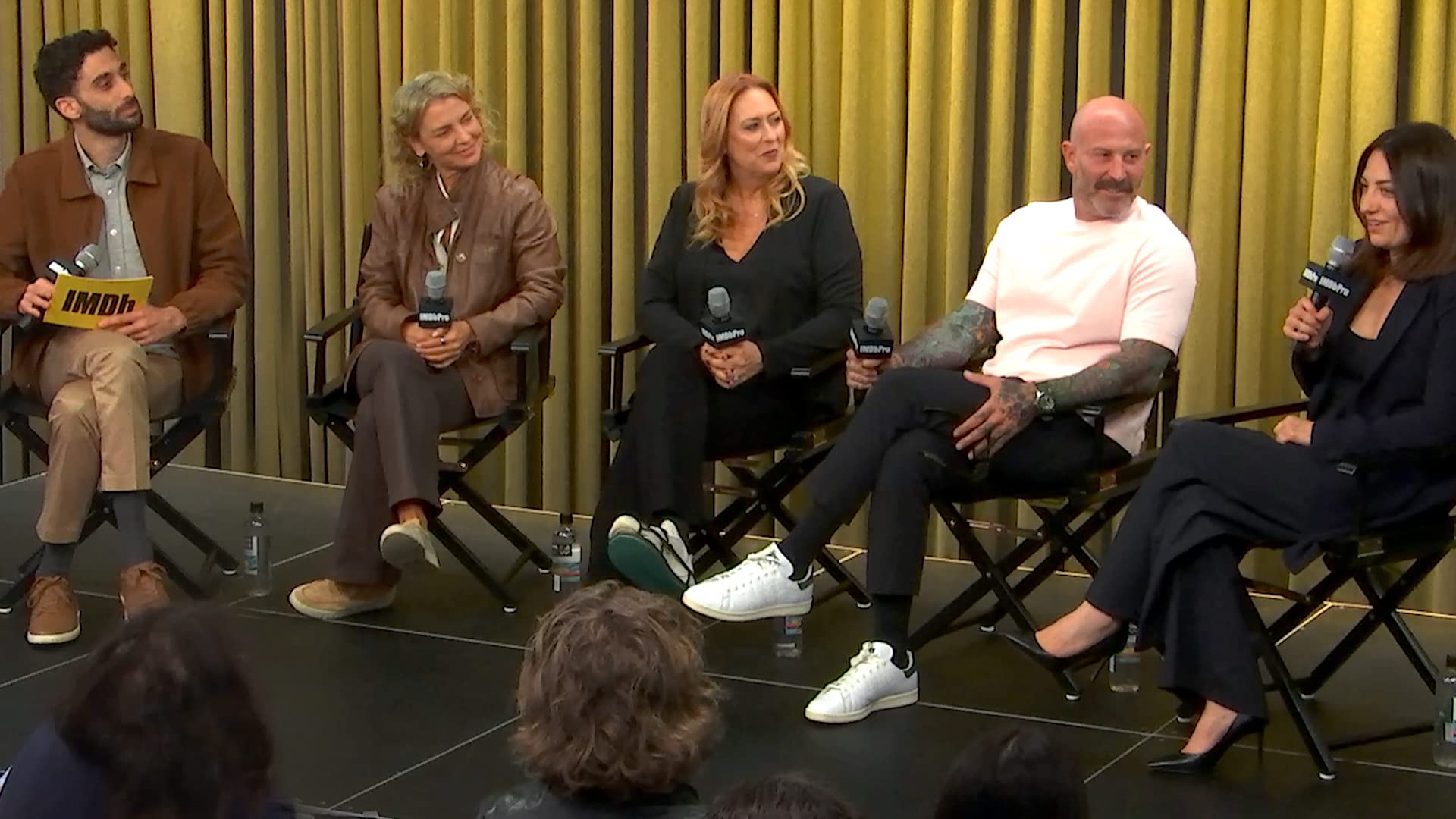
How To Claim Your Page on IMDbPro
In this video we’ll show you how to Claim your Page with a Premium subscription. Claiming your page is an important step, no matter what your role is in the industry. By claiming your page, you can choose how you show up on IMDb and IMDbPro, including updating your Personal details, such as Gender identity, Race, Ethnicity, Birthdate, and more. You can claim your page with both a Basic and a Premium Subscription. If you have a Premium Subscription, you can also update Images on your page, add demo reels, manage your Known for credits, and much more. In this video, we will show you how to claim your page with a Premium Subscription. Start by logging in. If you have not already claimed a page, you will see a Claim your page button on the left-hand side of the screen. You can also click on the small icon next to your name in the top right corner of the page and select Your page in the dropdown. You'll be prompted to select what category describes you best and your primary profession. If there is already an IMDb page for you, you can claim that page using the Claim page button next to the name in the search results. If your professional name is different from your account name, click the Change Name link and enter the name as it appears on IMDb. You can also confirm here if you are claiming a page to manage on behalf of someone else. If there is not an existing IMDb page for you,click the Create new page button on the right-hand side of the page. Your page claim request will then be reviewed and verified. You should receive an email notice within 24 hours.
March 10, 2026